
Tabla de contenido
Why Your Small Business Can’t Afford to Be Offline
Let’s be honest: running a small business is hard work. Between managing operations, serving customers, and keeping an eye on the bottom line, building a website probably isn’t at the top of your priority list. And if you’re among the 17% of small businesses that still don’t have a website, you might be thinking, “My customers find me through social media” or “I don’t really need one for what I do.”
Here’s the truth: those excuses are costing you customers.
According to a recent Clutch survey, 83% of small businesses now have a website, up from just 64% in 2018. Your competitors are already online, capturing leads while you’re invisible. Even more concerning: 28% of businesses without a website have no online presence at all. In 2026, being offline isn’t just a missed opportunity—it’s a competitive disadvantage.
The good news? Building a professional website has never been more accessible or affordable. With the right platform, you can create a site that generates leads, builds credibility, and grows your business—without needing a degree in computer science.
What Is a WordPress Website for Small Business?

A WordPress website for small business is simply a website built on the WordPress content management system (CMS) that’s designed to help a small business attract customers, build credibility, and grow revenue. But WordPress is much more than just a website builder—it’s the most powerful and flexible platform available today.
If you’re new to the world of websites and search engines, you might want to start with our complete guide on what is SEO and how does it work. Understanding the basics of search engine optimization will help you see why choosing the right platform matters so much.
Why a WordPress Website for Small Business Is the Smart Choice
When it comes to choosing a platform, the numbers speak for themselves. WordPress powers over 43% of all websites on the internet—that’s more than any other platform by a wide margin. Among websites that use a content management system, WordPress dominates with a 60.7% market share, making it nine times larger than Shopify.
What Makes WordPress the Best CMS for Small Businesses?
It’s free and customizable. The WordPress software itself costs nothing. You own your site completely—no monthly fees to a platform provider, no restrictions on what you can build. Your only costs are hosting and a domain name.
It’s beginner-friendly. You don’t need coding skills to create a professional site. With drag-and-drop editors, pre-built themes, and thousands of plugins, even complete beginners can build and manage their own websites. The learning curve is gentle, and you can start seeing results quickly.
It scales with your business. Starting with a simple brochure site? Great. Need to add an online store later? WooCommerce, the leading eCommerce plugin, powers 4.6 million online stores. WordPress grows with you—no platform migration required.
It’s built for SEO. WordPress produces clean, semantic code that search engines love. Plus, you have full control over every aspect of your site’s SEO—from meta tags and URL structure to content organization. This is why WordPress sites consistently outperform sites on other platforms in search rankings.
For WordPress users specifically, choosing the right tools makes a significant difference. Check out our detailed comparison of the best SEO plugins for WordPress to see which option works best for your needs—whether it’s Rank Math, Yoast, or SEOPress.
It has a massive ecosystem. With over 59,000 free plugins and thousands of themes, you can add almost any functionality you can imagine. Whether you need a contact form, appointment booking, membership system, or full-fledged eCommerce store, there’s a plugin for that.
How a Professional Website Helps Your Business Grow
A beautiful website is nice to have, but a WordPress website for small business needs to deliver real results. Here’s how a professionally built site drives growth:
1. It Generates More Customers
Your website works 24/7, 365 days a year. While you sleep, potential customers are searching for your products or services. If you don’t have a website, they’ll find your competitors instead. A well-optimized site captures these leads and turns them into paying customers.
2. It Builds Credibility and Trust
In 2026, consumers expect businesses to have a professional website. A poorly designed site—or no site at all—signals that you’re not serious about your business. A polished, professional site with customer testimonials, case studies, and clear contact information instantly builds trust with potential customers.
If you’re targeting the U.S. market specifically, our guide on SEO for business in the United States offers additional strategies to build credibility and reach American customers effectively.
3. It Attracts High-Intent Traffic
Unlike social media or paid advertising, organic search traffic comes from people actively looking for what you offer. These are high-intent visitors who are ready to buy, book, or contact you. A properly optimized WordPress site captures this traffic and converts it into customers.
4. It Provides Social Proof
Your website is the perfect place to showcase customer reviews, testimonials, and case studies. This social proof reassures potential customers that others have had positive experiences with your business.
Key Features Every Small Business Website Needs
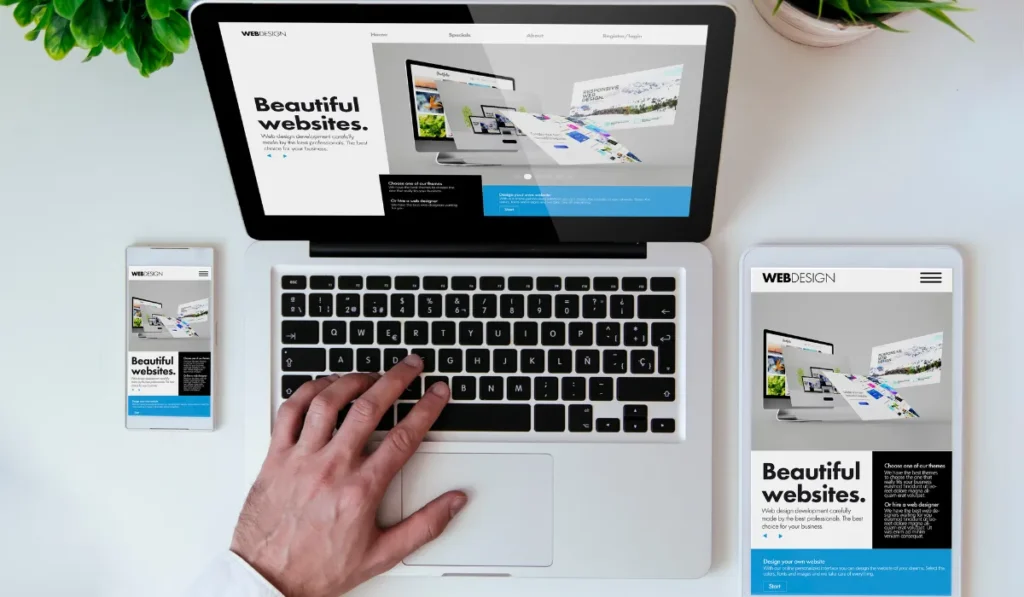
A beautiful design is essential, but it’s not enough. Your WordPress website for small business needs to work for you. Here are the features that separate a professional business site from a hobby blog.
1. Mobile Responsiveness
Over half of all web traffic comes from mobile devices. Google uses mobile-first indexing, meaning it primarily uses the mobile version of your site for ranking. If your site doesn’t look great on phones, you’re losing customers—and rankings.
2. Fast Loading Speed
Speed matters. A one-second delay in page load can reduce conversions by up to 7%. WordPress sites average 2.5 seconds on desktop but a worrying 13.25 seconds on mobile. Use caching plugins, optimize images, and choose fast hosting to keep your site snappy.
For help with technical SEO and speed optimization, you can use our free SEO audit tool to identify issues that might be slowing your site down.
3. SEO Optimization
A beautiful site is useless if no one can find it. Your WordPress website should be built with search engines in mind:
- Clean, keyword-optimized content
- SEO-friendly URLs
- Proper heading structure (H1, H2, H3)
- Meta titles and descriptions
- Fast loading speed
- Mobile responsiveness
Understanding how long it takes to see results with SEO is also crucial—it sets realistic expectations and helps you plan your content strategy.
For businesses serving specific geographic areas, what is local SEO is essential reading. Local SEO helps you appear in “near me” searches and Google Maps results.
4. Security Features
WordPress sites get attacked every 32 minutes on average, and 95% of vulnerabilities come from plugins. Protect your business with:
- An SSL certificate (HTTPS)
- A security plugin like Wordfence
- Regular updates to WordPress, themes, and plugins
- Strong passwords
- Automated backups
5. Essential Pages
Every small business website needs these pages:
- Homepage: Clear value proposition and navigation
- About Page: Your story, mission, and team—builds trust!
- Services/Products: What you offer, with clear descriptions
- Contact Page: Phone, email, contact form, and physical address
- Legal Pages: Privacy Policy, Terms of Service (non-negotiable!)
6. Social Proof and Trust Signals
Customer reviews, testimonials, case studies, and trust badges build credibility. Google loves fresh content and user engagement, and potential customers need to see that others trust you.
What’s Included in Professional WordPress Website Services
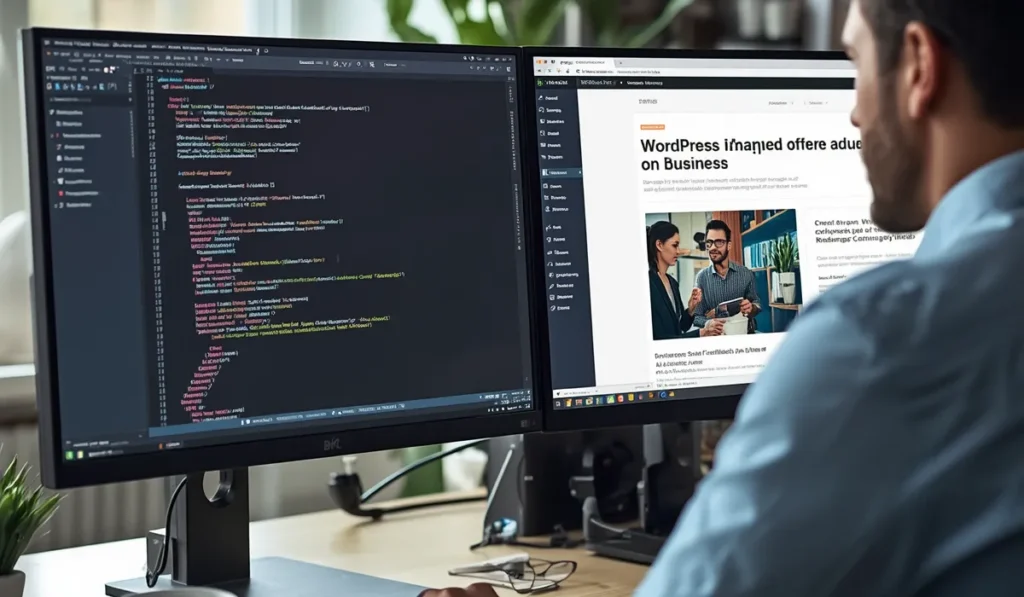
When you hire a professional agency to build your WordPress website for small business, here’s what you should expect:
- Custom web design tailored to your brand
- Fully responsive development
- On-page SEO optimization
- Contact forms
- Google Maps integration
- Social media integration
- Google Analytics configuration
- Search Console configuration
- Speed optimization
- SSL certificate
- Security configuration
- Regular backups
- Training to manage your site
- Post-launch support
For a more detailed breakdown of professional web design services, check out our guide on web design for business in the United States .
Advanced Features That Help Your Business Grow
Beyond the basics, these advanced features can take your WordPress website for small business to the next level:
- Modern, conversion-focused design
- Fast loading pages
- Intuitive navigation
- Mobile optimization
- Smart forms
- WhatsApp integration
- CRM integration
- SEO-optimized blog
- Image galleries
- Testimonials section
- Call-to-action buttons
- Google Reviews integration
- Location map
- Social media integration
- Live chat
- Online booking (if applicable)
- Online store (optional)
WordPress Websites Designed for Different Business Types
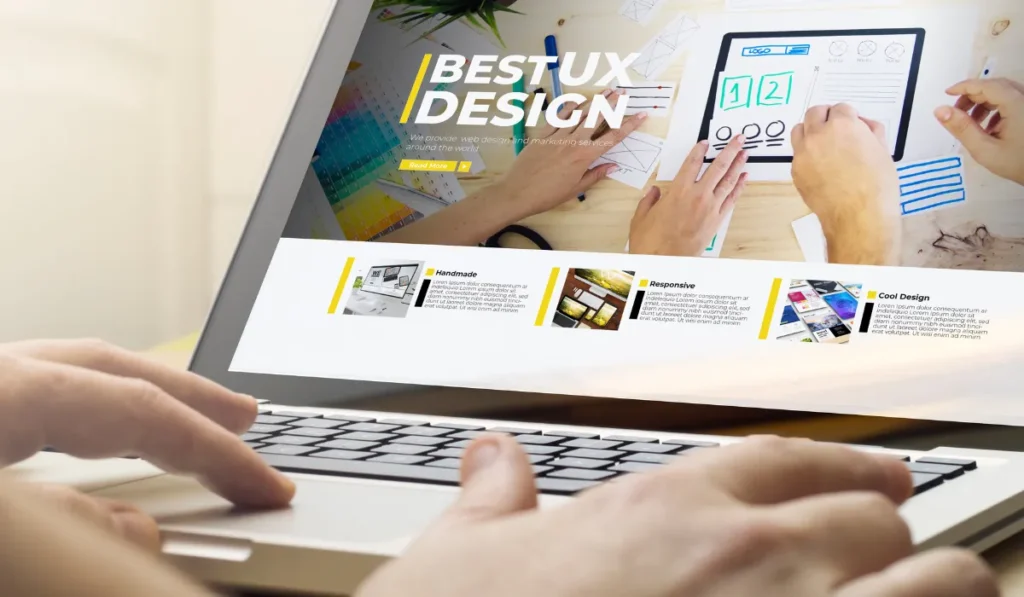
A WordPress website for small business can be customized for virtually any industry:
- Service-based businesses
- Local businesses
- Restaurants
- Clinics and medical practices
- Law firms
- Accounting firms
- Construction companies
- Real estate agencies
- Marketing agencies
- Freelancers
- Local retail stores
- B2B companies
No matter what type of business you run, WordPress can be tailored to meet your specific needs.
How to Choose a WordPress Agency for Your Small Business Website
Choosing the right partner for your WordPress website for small business is a critical decision. Here’s what to look for:
Experience and Expertise
Look for an agency with proven experience building WordPress sites for small businesses. They should understand your industry and have a portfolio of successful projects.
Our comprehensive guide on how to choose SEO agencies provides detailed criteria to evaluate potential partners—from transparency and communication to proven results.
Custom Design vs. Templates
A good agency will offer custom design that reflects your brand identity. While templates are cheaper, custom designs stand out and build stronger brand recognition.
SEO Strategy from Day One
SEO shouldn’t be an afterthought. The best agencies build SEO into every phase of development—from site architecture to content creation to technical optimization. This is why understanding SEO with AI and modern automation is so valuable.
Communication and Transparency
Choose an agency that communicates clearly, provides regular updates, and offers transparent pricing with no hidden costs.
Post-Launch Support
A website isn’t a one-time project. Ongoing maintenance, security updates, and content refreshes are essential for long-term success.
How Much Does a WordPress Website for Small Business Cost?
The cost of a WordPress website for small business varies widely based on several factors:
| Factor | Impact on Cost |
|---|---|
| Type of business | More complex industries require more customization |
| Number of pages | More pages = higher cost |
| Functionalities needed | eCommerce, booking systems, and custom features add cost |
| Custom design vs. template | Custom design costs more but looks unique |
| Integrations | CRM, email marketing, and other integrations add complexity |
| SEO included | Comprehensive SEO packages add value |
| Maintenance | Ongoing support costs extra |
For a personalized estimate, try our project cost calculator . It helps you understand exactly what your WordPress website for small business will cost based on your specific needs.
The return on investment for a professional website is significant. Even a modest site that generates a few extra leads per month can pay for itself quickly.
Automating SEO for Your Small Business Website

Once your WordPress website for small business is live, ongoing optimization is essential. One of the most powerful strategies in 2026 is how to automate SEO with AI .
AI automation can handle:
- Keyword research and clustering
- Content brief creation
- Meta title and description generation
- Internal linking suggestions
- Technical SEO audits
- Performance reporting
This doesn’t mean AI replaces human expertise—it scales it. By automating repetitive tasks, you free up time to focus on strategy, creativity, and building real customer relationships.
Understanding SEO with AI is becoming essential for businesses that want to stay competitive.
Common Mistakes to Avoid
Building a small business website isn’t just about getting it online. It’s about getting it right. Avoid these common pitfalls:
Forgetting legal requirements. Privacy policies and terms of service aren’t optional. GDPR and CCPA compliance can prevent fines of up to $7,500 per violation.
Choosing the wrong platform. Website builders like Wix and Squarespace are easy but limit your control. You can’t customize deeply, and migrating later is painful. WordPress gives you full ownership and flexibility.
Ignoring security. Cheap hosting and outdated plugins are security risks. Invest in proper security from day one.
Neglecting content quality. AI-generated content that isn’t reviewed reads like fluff and hurts your credibility. Create content that genuinely answers customer questions.
Not planning for maintenance. A website isn’t a “set it and forget it” project. Regular updates, backups, and content refreshes are essential for performance and security.
Frequently Asked Questions
Why choose WordPress for a small business?
WordPress is free, flexible, SEO-friendly, and scalable. It powers over 43% of all websites and gives you complete ownership of your site.
How much does a WordPress website for small business cost?
Costs range from $300–$800 per year for a basic site to $10,000+ for a custom-built agency site. Use our cost calculator for a personalized estimate.
How long does website development take?
Most small business websites take 4–12 weeks to build, depending on complexity.
Do I need to host my own website?
Yes, you need web hosting. Managed WordPress hosting is recommended for speed and security.
Can I edit the content myself?
Yes! WordPress is designed for non-technical users to easily update content.
Does the website include SEO optimization?
Professional services include on-page SEO optimization. For ongoing strategy, consider specialized SEO agencies .
Will my site work on mobile devices?
Yes, all professional WordPress sites are fully responsive.
Can you redesign my existing site?
Yes, agencies can migrate your content to a new WordPress design.
Do you offer ongoing maintenance?
Yes, maintenance packages include updates, security monitoring, backups, and support.
What happens after launch?
Post-launch includes training, support, and optional ongoing optimization.
Additional Resources
To help you build and grow your WordPress website for small business, we’ve created several helpful resources:
- SEO audit tool : Run a free technical SEO audit
- Project cost calculator : Estimate your website costs
- What is SEO : Complete guide to SEO basics
- How long does SEO take : Realistic SEO timeline
- Best SEO plugins for WordPress : Compare WordPress SEO tools
- SEO for business in the United States : U.S. market strategies
- Web design for business in the United States : Professional web design guide
- What is local SEO : Local search optimization
- How to automate SEO with AI : AI workflow guide
- SEO with AI : Complete AI SEO guide
- SEO agencies : How to choose the right partner
Conclusion: Your Small Business Website Is a Growth Engine

A WordPress website for small business isn’t just an online brochure—it’s a 24/7 sales tool that works while you sleep. It builds credibility, attracts new customers, and gives you a platform to grow your brand.
The data is clear: 83% of small businesses are already online, and the remaining 17% are falling behind. With WordPress, you get the most powerful, flexible, and affordable platform available. You own your site, you control your data, and you can scale as your business grows.
Whether you’re a local restaurant, a law firm, a real estate agency, or a freelance professional, a professional WordPress website is your foundation for digital success.
Ready to build your WordPress website for small business? The best time to start was yesterday. The second best time is now.
Ready to take the next step? Contact us today for a free consultation and discover how we can build a WordPress website that drives real results for your business.