Tabla de contenido
Your website isn’t just a digital business card—it’s your most powerful sales tool. Here’s how to build a local business website that actually converts visitors into paying customers.
Why Every Local Business Needs a Professional Website
Let’s be honest: most local business owners treat their website like an afterthought. They spend weeks picking fonts and color palettes, then launch a site that doesn’t answer the one question every visitor has: “Why should I choose you?”
Here’s the reality: 97% of consumers search online for local businesses. When someone in your area searches for “best plumber near me” or “dentist open Saturday,” they’re not looking for your brand story. They want an answer, proof you’re legitimate, and a clear next step—call, book, or get directions.
Build Trust with Your Local Customers
First impressions form within milliseconds of someone landing on your site. 75% of consumers judge a company’s credibility based on its website design alone. A polished, professional site signals that you’re legitimate, established, and worth their time.
Here’s what a professional website communicates:
- You’re a real business: A custom domain and professional email reassure visitors you’re not a fly-by-night operation
- You care about quality: Clean design suggests competence and attention to detail
- You’re active and current: Outdated sites make visitors wonder if you’re still in business
Be Found on Google and Google Maps
Without a website, you’re invisible to the 8 billion daily Google searches. Your website works with your Google Business Profile to help you appear in the Local Pack—those top three map results that capture most of the clicks.
88% of mobile local business searches result in a call or visit within 24 hours. If your site isn’t optimized for mobile and local search, you’re handing customers to your competitors.
To understand how search engines evaluate your site, you can start with this comprehensive guide on what is SEO and how it works —it covers the fundamentals that every local business owner should know.
Turn Website Visitors into Paying Customers
A well-designed local business website does more than inform—it converts. The best local sites do three things extremely well:
- Show up when nearby customers search
- Build trust in under 10 seconds
- Make it effortless to take action
Only 40% of small businesses have a dedicated website. That means if you have one, you’re already ahead of more than half your competitors. But having a website isn’t enough—it needs to work.
What Makes a Great Local Business Website?

Effective website design for local businesses is less about visual flair and more about reducing hesitation. Here’s what separates the sites that convert from those that don’t.
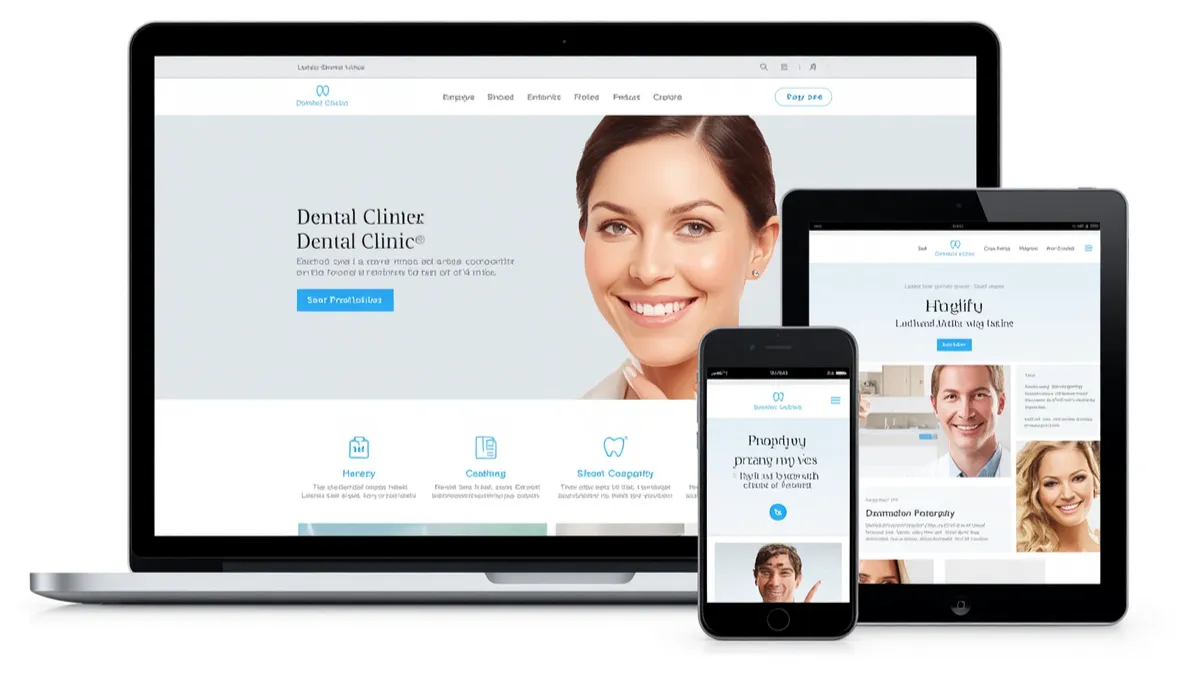
Mobile-Friendly and Responsive Design
Mobile isn’t a “nice to have”—it’s often the majority of your traffic. With mobile devices accounting for nearly 64% of global web traffic, and Google’s mobile-first indexing now fully rolled out, your site must work flawlessly on phones.
A mobile-first design isn’t just a layout that shrinks to fit a phone. It prioritizes:
- Thumb-friendly actions: Tap-to-call buttons, sticky CTAs, and readable font sizes
- Visible contact info above the fold: No hunting for phone numbers
- Fast load times: Mobile users are impatient and often on the go
Pro tip: If your site isn’t fast, legible, and easy to use on phones, many local visitors will leave and call a competitor whose site works better on mobile.
Fast Loading Speed
A slow site doesn’t just hurt rankings—it bleeds leads. Local customers are often in motion, and if your page takes too long, they hit back and call the next business.
Design choices affect speed more than most owners realize:
- Oversized images
- Heavy video headers
- Too many scripts
Fix it: Use properly sized images, limit unnecessary animations, and keep pages focused. Tools like Google PageSpeed Insights can help identify bottlenecks. For a quick technical health check, you can also use this free SEO audit tool to spot issues that might be slowing you down.
Easy Navigation
If your navigation is confusing, visitors bounce. Local customers think in problems, urgency, and location—not your org chart.
Keep navigation simple:
- Clear menu labels (Services, About, Contact)
- Logical page hierarchy
- No more than three clicks from homepage to any page
Clear Call-to-Action Buttons
Every page should guide visitors toward a single action. Strong CTAs should be visible above the fold and repeated strategically throughout the page—not buried in the footer.
What works:
- “Call Now” or “Book an Appointment” (primary CTA)
- “Get Directions” or “Request a Quote” (secondary CTA)
- Location-specific CTAs: “Get a Free Plumbing Quote in Phoenix” works better than “Get a Free Quote”
SEO-Friendly Structure
Local SEO isn’t separate from website design. The structure of your site is part of your search strategy.
Key elements:
- Clean, keyword-rich URLs (e.g.,
/plumbing-repairs-knoxvilleinstead of/page-id-12) - Proper H1, H2, and H3 headings
- Internal links that guide users and search engines
- Consistent NAP (Name, Address, Phone) in crawlable text
For WordPress users, choosing the right tools matters. Check out this detailed comparison of the best SEO plugin for WordPress to support your site’s foundation.
Secure HTTPS Website
Security builds trust. An SSL certificate encrypts data and signals to visitors that you’re legitimate. Google also uses HTTPS as a ranking signal.
Contact Forms and Click-to-Call Features
Make it effortless for visitors to reach you. Include:
- Tap-to-call phone numbers (especially critical for mobile)
- A short contact form asking only what you truly need to respond
- Address linked to Google Maps
Essential Features Every Local Business Website Should Include

Service Pages
Separate, well-written service pages perform better than a single “Services” page because they match specific search queries. If you offer multiple services with different intent, create dedicated pages for each.
Example: Instead of one “Plumbing” page, have separate pages for “Water Heater Repair,” “Emergency Plumbing,” and “Drain Cleaning.”
About Us Page
Share your company’s background, mission, and what sets you apart. A well-written About page is frequently referenced by journalists, local business organizations, and content creators.
Include real photos of your team, storefront, or trucks. Stock images can’t match the connection that real visuals create.
Customer Reviews and Testimonials
55% of consumers search for online reviews when researching businesses. Reviews build trust fast—especially when displayed near decision points.
Best practices:
- Showcase star ratings and short quotes on service pages
- Use review schema markup for rich results
- Include local testimonials from customers in specific areas
Google Maps Integration
Adding an interactive map helps users find your location and signals to Google that you serve that area. Include your address linked to a map on your contact page and location pages.
Online Booking or Appointment System
If you take appointments, the booking flow should be fast and clear. If your booking tool is complicated, consider a simpler request form paired with a “we’ll confirm within X business hours” promise.
Photo Gallery
Real photos of your work, team, and location consistently outperform generic imagery. Show:
- Before-and-after photos (for service businesses)
- Your team in action
- Your storefront or workspace
- Local community involvement
Frequently Asked Questions
A well-structured FAQ section:
- Saves time for customers and staff
- Addresses common hesitations
- Increases chances of appearing in featured snippets and AI-generated results
Blog for Local SEO
Regularly updated content shows search engines your site is active and helps you rank for more keywords. Topics to cover:
- Local events and community involvement
- Seasonal tips and advice
- Case studies and success stories
If you’re new to local search, this what is local SEO guide will help you understand the specific strategies that help local businesses get found.
Website Design Services for Local Businesses
Custom Website Design
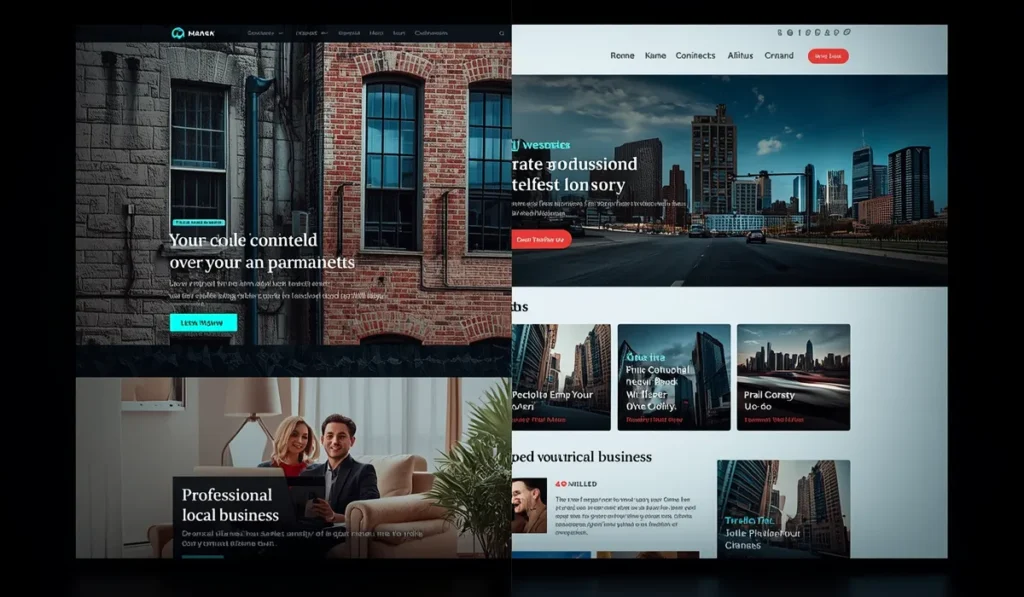
If your market is competitive, you’re investing in SEO, or your website is your primary lead source, professional help pays off faster. The best results come when design, SEO, and conversion strategy are built together, not stitched together later.
For a complete perspective on the US market, you can explore this guide on web design for business in the United States —it covers pricing, client expectations, and how to integrate SEO from day one.
WordPress Website Development
WordPress offers flexibility and plugins like Rank Math and Yoast that make SEO optimization accessible. It’s ideal for:
- Businesses that want full control over their site
- Sites that need to scale (from 10 to 1,000+ pages)
- Integration with third-party tools and apps
E-commerce Solutions
For local retailers selling online, platforms like Shopify or WooCommerce handle inventory, payments, and shipping. Key features for local e-commerce:
- “Buy Online, Pick Up In Store” (BOPIS)
- Synchronized inventory management
- Multiple payment options
Website Redesign Services
If you’re redesigning an existing site, protect your SEO by:
- Maintaining consistent URL structures
- Keeping unique content on location pages
- Implementing 301 redirects for changed URLs
Website Maintenance and Support
A website is like a garden—it needs regular care. Ongoing maintenance includes:
- Security updates and backups
- Content freshness (AI systems favor newer content)
- Performance monitoring
- Technical SEO audits
Local SEO and Website Design: Why They Work Together
Optimize for Local Search Results
Local SEO centers on three pillars: relevance, proximity, and prominence. Your website design must support all three.
Relevance: Weave local keywords naturally into titles, meta descriptions, and headers.
Proximity: Consistent NAP across your website and external sources like your Google Business Profile.
Prominence: Build authority through reviews, local backlinks, and citations.
For US-based businesses, this guide on SEO for business in the United States provides region-specific strategies that complement your local SEO efforts.
Improve Google Business Profile Visibility
Your website and Google Business Profile should work together. Accurate, real-time operating hours are now a priority ranking factor. A well-maintained profile helps you stand out in the Local Pack.
Key actions:
- Link to your GBP from your website
- Ensure NAP matches exactly
- Add your GBP to your website footer or contact page
Rank Higher for Local Keywords
Dedicated location pages help you rank for “service + city” searches. According to Search Engine Land, using localized content on location pages resulted in a 107% rankings lift.
Generate More Qualified Leads
When design and SEO work together, you attract visitors who are ready to act. The result: more calls, more booking requests, more direction clicks, and more qualified leads—not just more traffic.
If you’re wondering about realistic timelines, this article on how long does it take to see results with SEO provides a helpful roadmap.
Website Design Process

Discovery and Business Analysis
Every winning site starts with clear goals. Write them down and tie each to a measurable metric:
- More calls? → Track phone calls
- More bookings? → Track form submissions
- More foot traffic? → Track direction requests
Study your audience:
- What problems do they have?
- How do they search?
- What language do they use?
Wireframe and Planning
Map your site structure before you design. A logical hierarchy helps both users and search engines:
- Homepage
- Service pages
- Location pages
- About page
- Contact page
UI/UX Design
Clean, focused designs consistently outperform cluttered ones. Minimalism removes barriers between customers and the actions you want them to take.
Key UX principles:
- Clear value proposition above the fold
- Trust signals visible without scrolling
- Obvious path to conversion
Website Development
Whether using a website builder or custom development:
- Choose a platform that fits your needs
- Build with mobile-first in mind
- Ensure fast load times
SEO Optimization
This isn’t an afterthought—it’s built into the process:
- Technical SEO: Structure, speed, schema markup
- On-page SEO: Titles, headings, keyword optimization
- Content SEO: Service pages, blogs, location pages
To understand how to scale your SEO efforts efficiently, read this guide on how to automate SEO with AI —it covers workflows using tools like Make.com, Frase.io, and ChatGPT that can save hours of manual work.
Testing and Launch
Before going live:
- Test site speed and Core Web Vitals
- Verify mobile responsiveness
- Check all forms and CTAs
- Confirm NAP consistency
- Set up analytics tracking
Ongoing Maintenance
After launch:
- Monitor performance with Google Analytics and Search Console
- Update content regularly
- Run monthly technical audits
- Respond to reviews and update GBP
Industries We Design Websites For
Local businesses across every sector need effective websites. Common industries include:
- Restaurants (with online ordering and reservations)
- Plumbers, Electricians, HVAC, Roofing (with emergency contact features)
- Lawyers (with practice area pages and contact forms)
- Dentists and Doctors (with online booking)
- Realtors (with property listings and neighborhood guides)
- Auto Repair Shops (with service scheduling)
- Salons and Spas (with appointment booking)
- Local Retail Stores (with BOPIS and inventory management)
Each industry has unique needs, but the fundamentals remain the same: clarity, trust, performance, and local relevance.
Benefits of Professional Website Design for Local Businesses
Increase Local Visibility
A website optimized for local search helps you appear when customers are looking for your services. This includes ranking in both traditional results and AI-generated answers.
For a deeper dive into how AI is changing search, check out this guide on SEO with AI —it covers Generative Engine Optimization (GEO) and how to position your content for citation by ChatGPT, Perplexity, and Gemini.
Get More Phone Calls
Mobile-optimized sites with click-to-call buttons make it easy for customers to contact you. With 88% of local mobile searches resulting in a call or visit within 24 hours, you can’t afford to miss this opportunity.
Generate More Leads
A well-designed site converts visitors into leads. Clear CTAs, short forms, and easy contact options turn interest into action.
Improve Brand Credibility
81% of shoppers research businesses online before purchasing. A professional website signals you’re legitimate and trustworthy.
Higher Conversion Rates
The best local sites make it easy for customers to choose you. By removing friction and building trust, you convert more of the traffic you already have.
Better Customer Experience
When visitors can quickly understand your service, find contact information, and take action, they’re more likely to become customers. Clean, fast, accessible design benefits everyone.
Why Choose Our Website Design Agency

- Experienced Web Designers who understand local business needs
- SEO-Optimized Websites built with conversion in mind
- Affordable Pricing with transparent packages
- Fast Turnaround without sacrificing quality
- Ongoing Support to keep your site performing
- Proven Results with measurable outcomes
If you’re evaluating agencies, this guide on SEO agencies provides a helpful framework for what to look for and how to compare options.
Website Design Pricing for Local Businesses
Website costs vary depending on your needs. Here’s a realistic breakdown:
- Basic Website Package: $100–$500 (DIY builder, simple template)
- Professional Business Website: $500–$2,500+ (custom design, essential features)
- Premium Website with SEO: $2,500–$10,000+ (custom design, SEO, content strategy)
- Custom Website Solutions: $10,000+ (complex functionality, multi-location, e-commerce)
Key factors affecting cost:
- Domain name registration
- Hosting plan
- Design complexity
- Features and functionality
- Whether you DIY or hire professionals
For a personalized estimate, you can use this project cost calculator to get a transparent, no-commitment breakdown of what your specific project might cost.
To dive deeper into pricing, this article on how much does it cost to make a professional website provides additional detail.
Frequently Asked Questions
How Much Does a Website for a Local Business Cost?
Most small business websites cost between $100 and $2,500+. Budget-friendly options start around $100/year with DIY builders. Professional custom designs with SEO start around $2,500.
How Long Does It Take to Build a Website?
Simple sites can launch in 1–2 weeks. Custom sites with SEO and content strategy typically take 4–12 weeks. Complex multi-location sites may take 3–6 months.
Should I Choose WordPress for My Business Website?
WordPress is ideal if you want full control, the ability to scale, and access to SEO plugins like Rank Math or Yoast. It’s flexible and powers over 40% of the web.
Will My Website Be Optimized for SEO?
A professional agency builds SEO into the design process—not as an afterthought. This includes technical SEO, on-page optimization, and content strategy.
Can You Redesign My Existing Website?
Yes, and we protect your SEO during the process by maintaining URL structures, implementing redirects, and preserving localized content.
Do You Provide Website Maintenance?
Ongoing maintenance includes security updates, backups, performance monitoring, and content updates. Regular care keeps your site performing and ranking well.
Will My Website Work on Mobile Devices?
Mobile-first design is non-negotiable. Your site will be fully responsive, fast-loading, and optimized for mobile users who make up the majority of local searchers.
Get a Professional Website That Helps Your Local Business Grow
Your website isn’t just a digital storefront—it’s the most powerful tool you have to attract and convert local customers. Don’t let a slow, outdated, or confusing site cost you business.