
Tabla de contenido
If you are thinking of creating a web page, you have probably heard of WordPress. What you may not know is that you don’t need to spend even a euro for your site to have a professional and attractive design. The Free WordPress Themes They have evolved enormously in recent years and, in 2026, they offer a quality, speed and flexibility that rivals many payment options.
A theme is the ‘skin’ of your website: it controls the appearance, the arrangement of the elements and many of the visual functionalities. And the best thing is that you can access thousands of them at no cost. The key is knowing how to choose.
In this article, you will not only discover the best free themes available right now, but you will learn exactly how to select the right one for your project, how to install it without errors, and what practices to follow to keep your site safe, fast and professional. We are going to clear all your doubts so that you make the best decision without the need for an initial investment.
What are free WordPress themes?
Free WordPress themes are design templates that you can download, install and use on your website without paying anything. They are distributed mainly through the Official WordPress.org Theme Directory, a platform that houses more than 13,000 free themes and that is used by millions of people around the world.
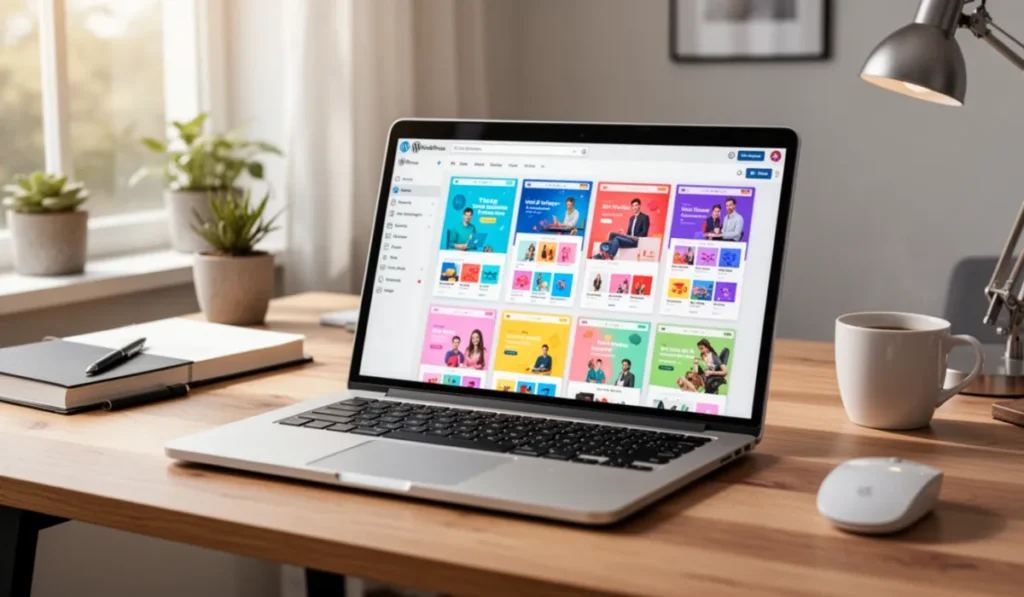
The great advantage of getting a theme from the official directory is that they all go through a rigorous review process by the WordPress team. This ensures that they meet basic standards of quality, safety and code. Being open source, anyone (including you) can use them, modify them and adapt them to their needs.
In addition to the official directory, many prestigious developers offer their free themes on their own web pages, although they always keep an updated version on wordpress.org. This leads us to an important concept: the model freemium. Many of the most popular topics (such as Astra, , Kadence or neve) They have a very complete free version, and offer advanced features, more templates or priority support in their paid versions. This is great because it allows you to start with a solid foundation and, if you ever need it, scale without having to change themes and rebuild your site from scratch.
How to choose the best free WordPress theme
Choosing a theme just for its appearance in a demo is the most common mistake. A nice but slow or poorly programmed template can ruin the experience of your visitors and sink your positioning into Google. To get it right, you must evaluate these technical and practical aspects:
1. Load speed and lightness
A theme must have clean and optimized code. Themes that load unnecessary scripts or heavy visual effects will slow your site. Speed is a key factor for SEO And so that users do not leave your page. Look for topics known for their performance, such as generatePress or Astra, which have minimal impact.
2. Responsive design (adapted to mobile)
Today, most of the internet traffic comes from mobile devices. Your theme should look and work perfectly on phones, tablets and computers. This is not negotiable; Google prioritizes the mobile version of websites in its results.
3. Optimization for SEO
A good theme won’t magically position you, but you must lay the foundations. You must have a semantic code structure (correct use of tags like H1, H2, etc.) that search engines easily understand and work well with SEO plugins as Yoast or Rank Math .
4. Page Builder Support
If you want to have full control over the design without knowing how to program, you will need a page builder like elementor, Beaver Builder or the WordPress native block editor (Gutenberg). Make sure the theme you choose is compatible with the tool you plan to use. For example, Elementor is compatible with most themes that follow WordPress guidelines, but it will work more smoothly with themes designed to integrate with it. topics like Hello Elementor, , Astra or Kadence They are known for their perfect integration.
5. Reputation, updates and support
Before installing, check wordpress.org The date of the last update (it must be recent, from the last months) and the number of active installations (the more installations, the more reliable it usually is). Feedback and feedback from other users will also give you clues about common issues or the quality of the support offered by the developer.

Best Free WordPress Themes in 2026
After analyzing dozens of options according to the above criteria, these are the free themes that stand out in 2026, classified by their ideal use:
Versatile and multipurpose themes (the best overall)
They are topics that serve practically any type of project, from a personal blog to the web of a company.
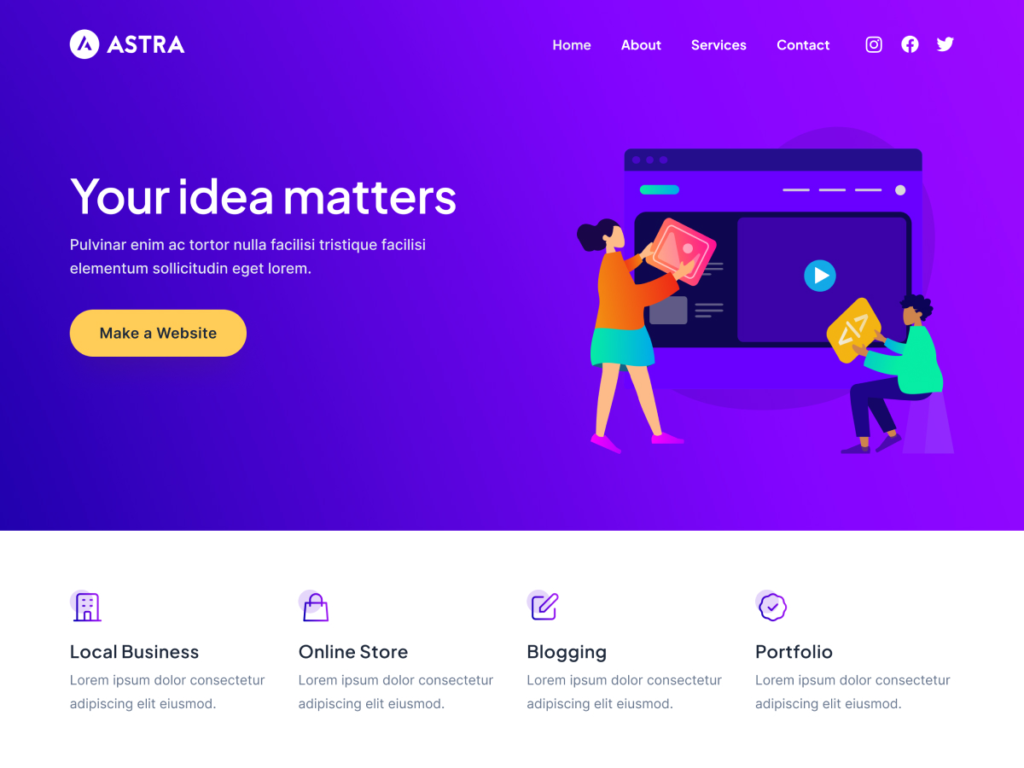
- Astra: Possibly the most popular free theme. It stands out for its perfect balance between speed (weighs less than 50kb, loads at 720ms), flexibility and a huge library of more than 240 pre-designed templates that you can import with a click. Its integration with page builders such as Elementor is ‘smart’, disabling theme elements to give you full control.
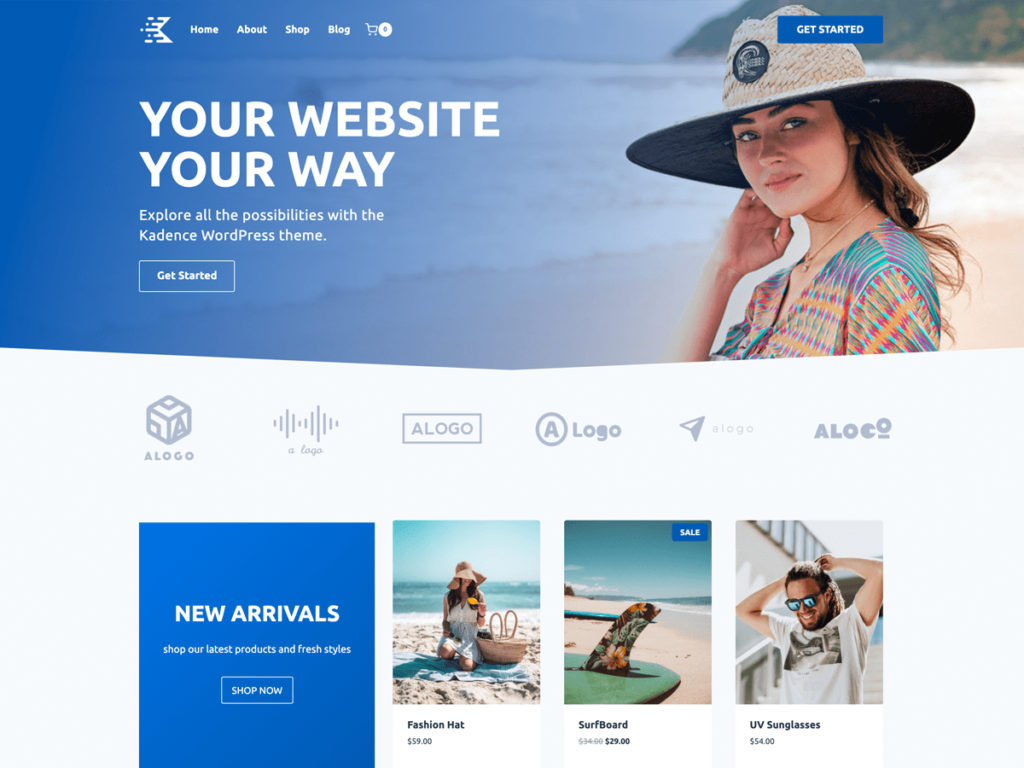
- Kadence: It is the favorite option for those looking for advanced design control without the need for the paid version. Even in its free version, it offers a powerful header builder, typography controls and spacing much higher than average, and impressive layout flexibility. All this without sacrificing performance.
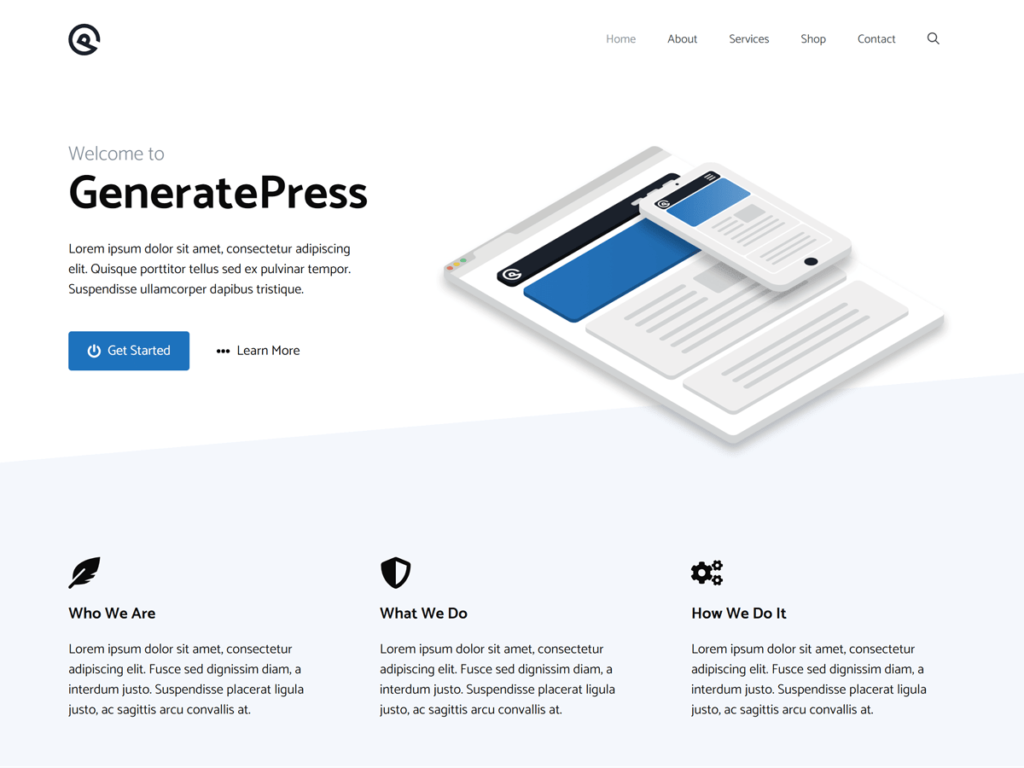
- generatePress: It is the ‘gold standard’ for those obsessed with performance and stability. It is extremely light and its code is a clean and solid base. You may not have as many direct visual customization options as Kadence, but it’s incredibly stable and works great with any plugin, including Elementor and the block editor.
Free ecommerce themes (WooCommerce online stores)
If you are going to create an online store, your theme must be optimized to show products and facilitate the purchase.
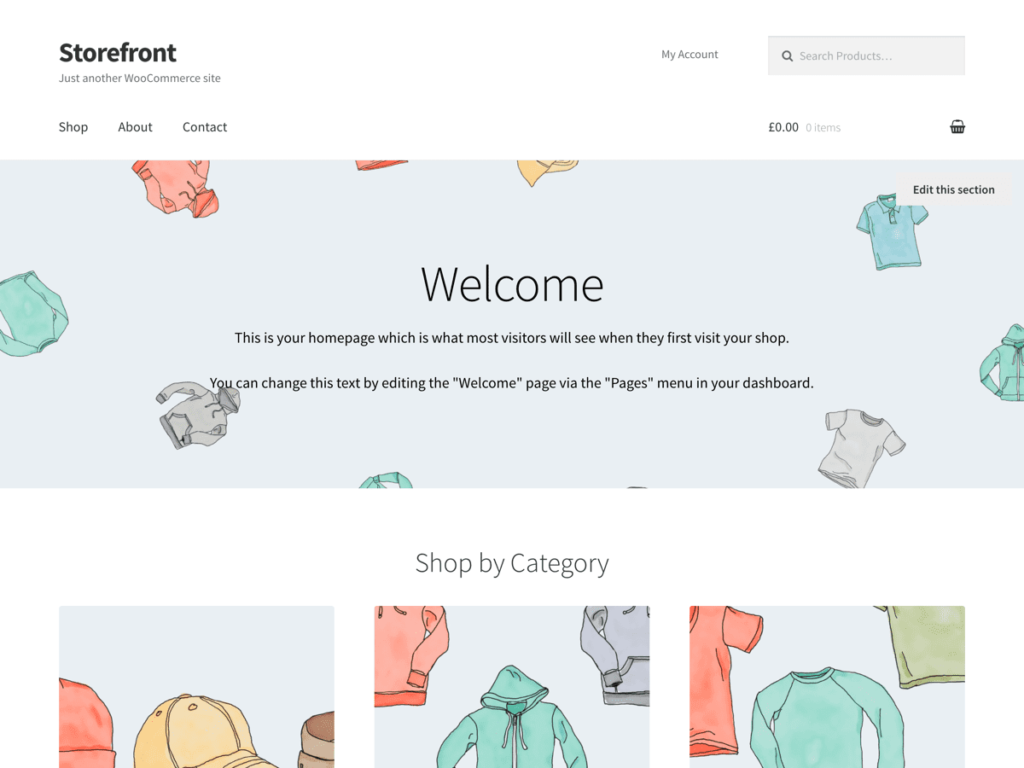
- StoreFront: It is the official theme created by the developers of WooCommerce. This ensures maximum compatibility and stability. It’s simple, but it meets all the essentials for a store. In our speed tests, it charged in 2.2 seconds, slightly above the ideal time, but it is still a very reliable option.
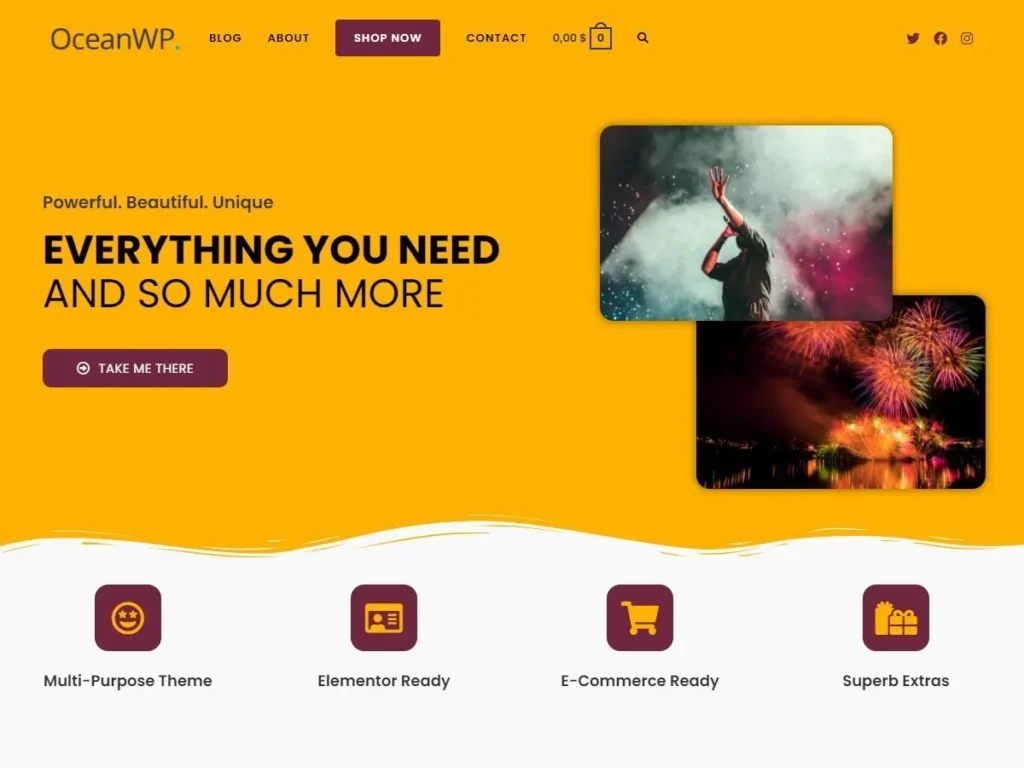
- OceanWP: A very complete theme that shines in e-commerce. It offers specific items for WooCommerce, such as floating bars with the purchase button and options to display related products. It is fast (load at 537ms) and has a basic schema marking (Schema) that helps the SEO .
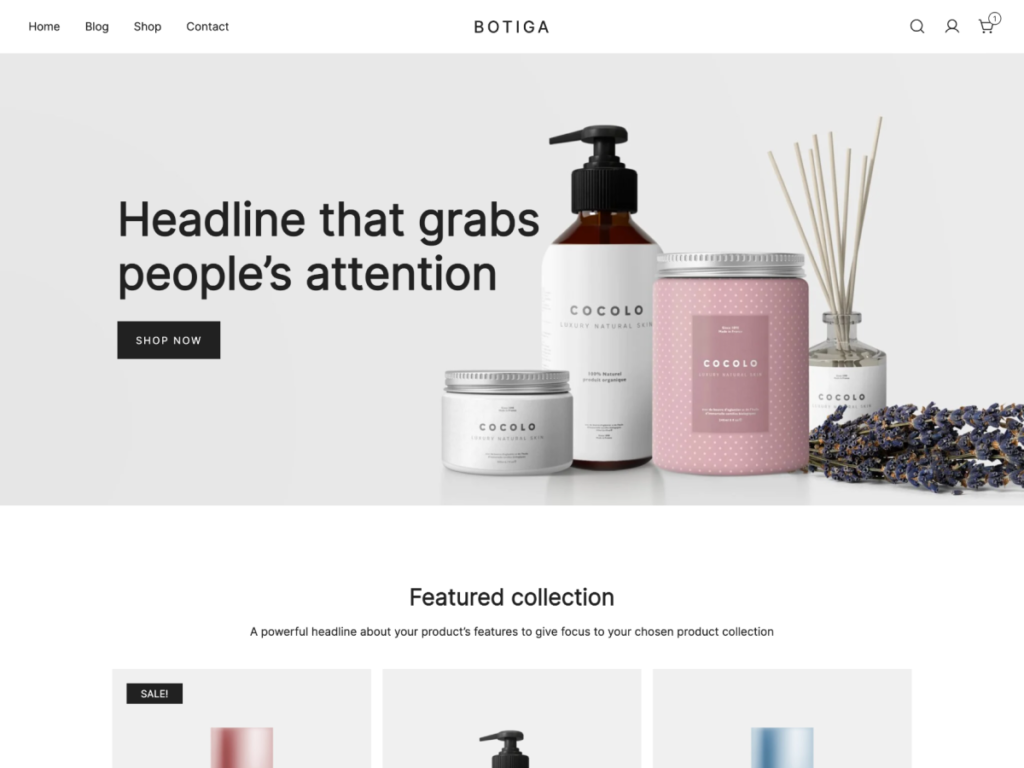
- Botiga: It is a newer theme with a minimalist and modern design, perfect for fashion, beauty or consumer products stores. Its free version includes a drag and drop header builder, and it is very fast: it loads in just 674ms. The customization of product sheets is very careful.
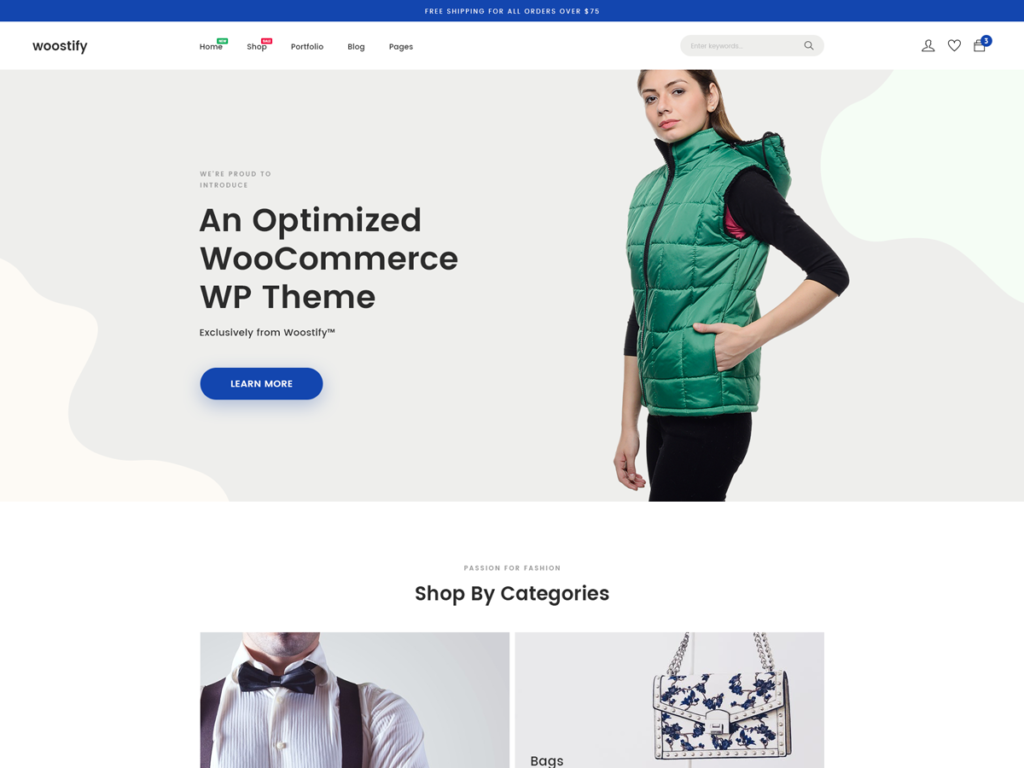
- Woostify: Ideal for entrepreneurs with no technical experience. It comes with various pre-designed startup sites for different niches that are imported with one click. Includes useful features like a ‘catalog mode’ to disable the cart if you only want to display products. Its performance is excellent, with a load of 775ms.
Free themes for blogs
Legibility and speed are the queens in a blog.
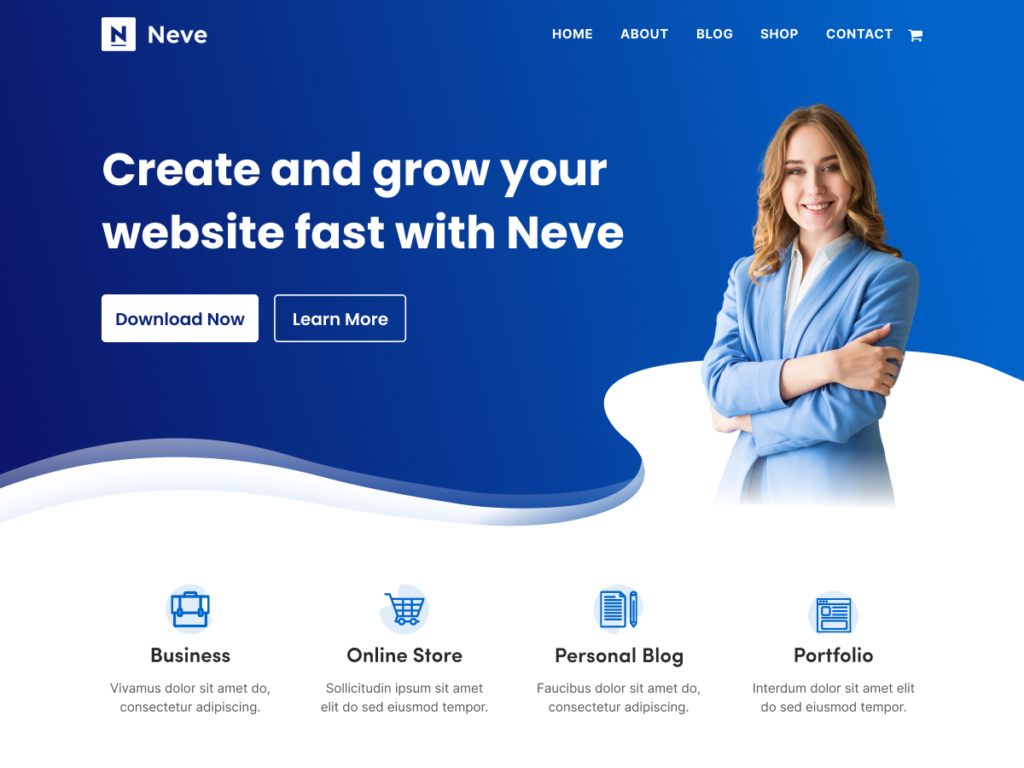
- neve: A modern, clean and very fast theme. It’s easy to set up and has a ‘mobile-first’ approach, which means it looks great on any device. It’s perfect for bloggers who want to get your site up and running quickly without any complications.
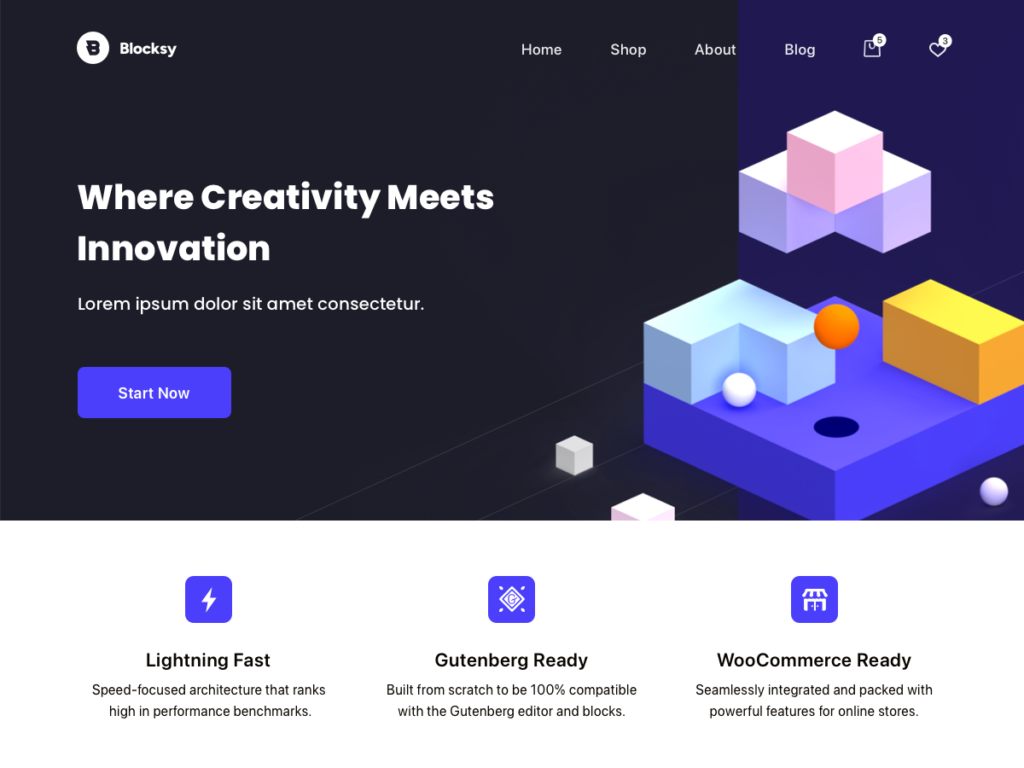
- Blocksy: It is built with the latest web technologies and designed for the WordPress block editor (Gutenberg). Its design is very careful from the first moment, with a spacing and typography that make the content a pleasure to read. It is also fast and light.
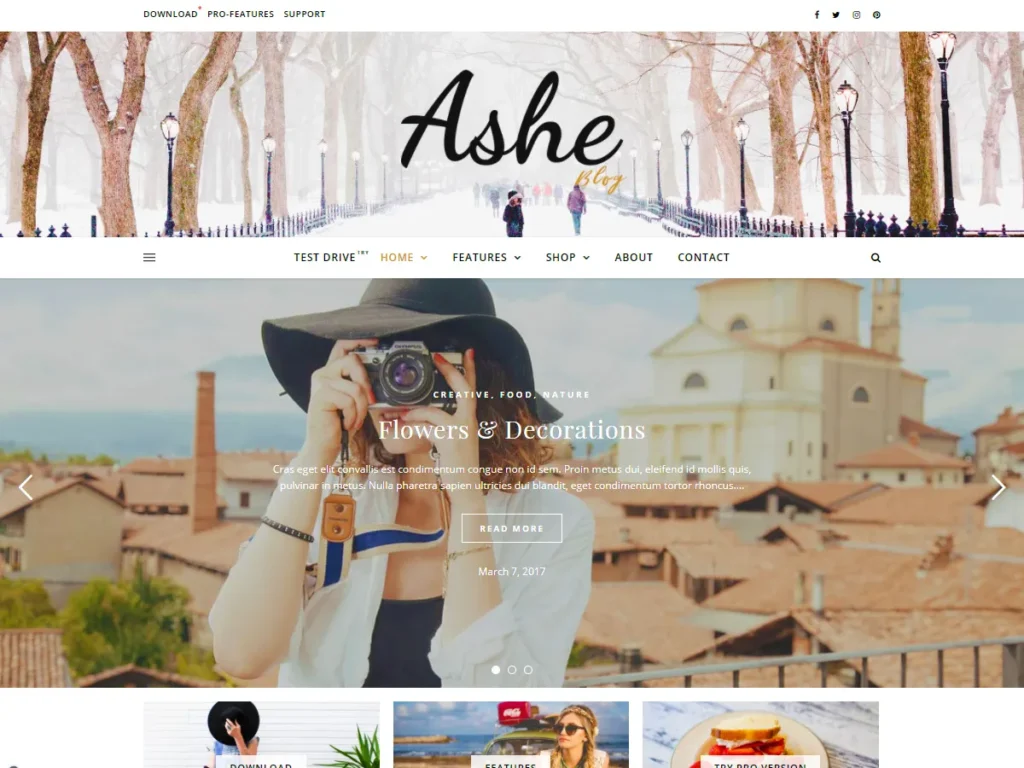
- Ashe: An excellent option if you are looking for a more traditional, elegant and image-focused blog style. It is ideal for fashion, travel or lifestyle blogs.
Free themes for portfolios (creatives, photographers, designers)
If your work is visual, you need a theme that displays your images flawlessly.
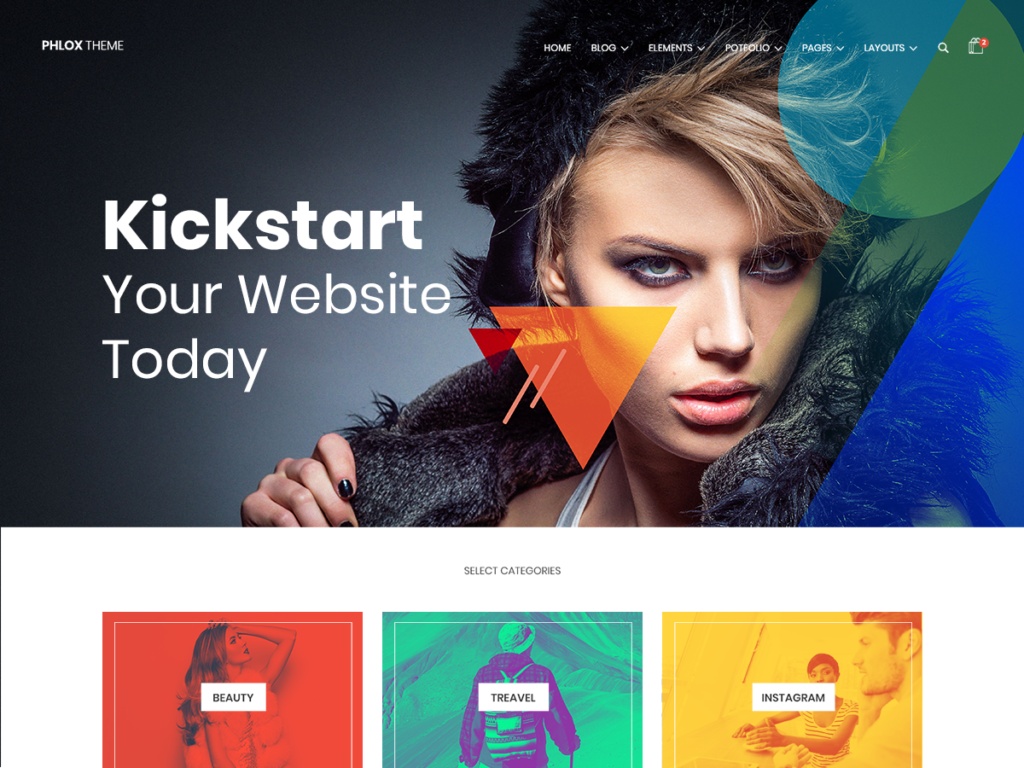
- Phlox: A versatile theme that includes specific designs for portfolios and galleries. It offers advanced design options and a very modern aesthetic.
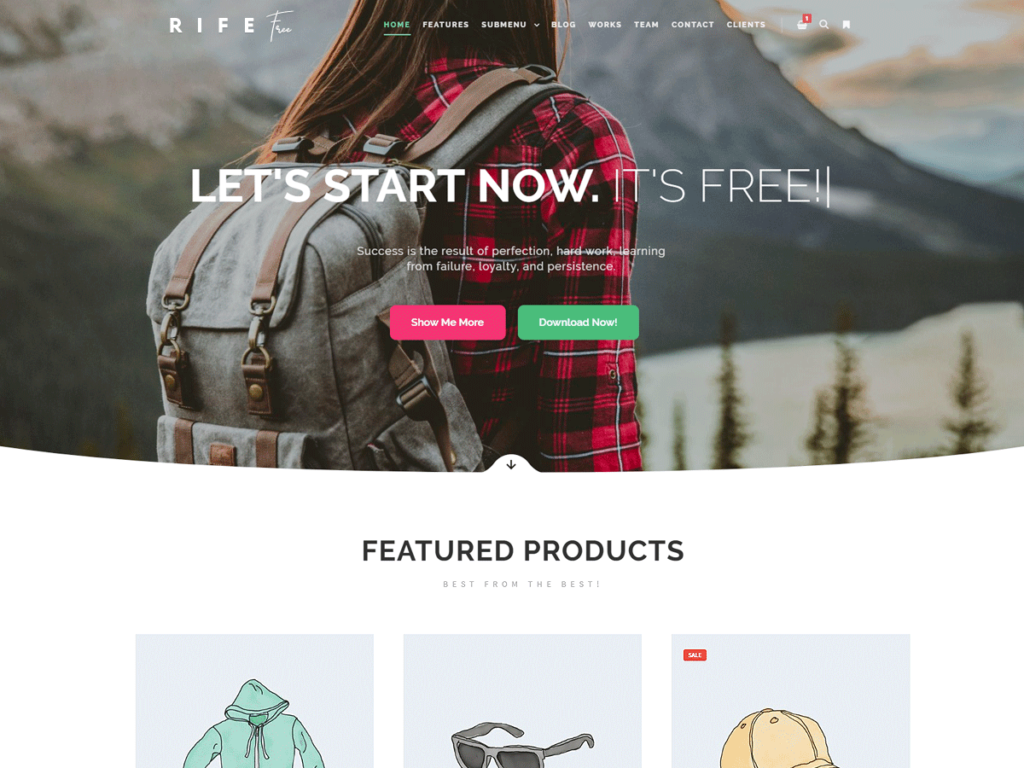
- Free Rif: It stands out for its multiple niche designs and blog templates with support for gifs and videos. It is ideal for creatives who also use their blog to attract customers. It has a good loading speed of 1.2 seconds.
How to install and activate free themes in WordPress
Installing a theme is very simple. You have two main ways to do it:
1. From the WordPress directory (the easiest and safest way):
Access your WordPress desktop and go to Appearance > themes. Click the button ‘Add New’ at the top.
Here you can search for the theme by name (for example, ‘Astra’) or explore using filters by popularity, latest news or features. When you find the one you like, hover over it and click ‘INSTALL’. Once installed, you will see a blue button that says ‘Activate’. That’s it! Your site will already be using the new theme.
2. Manual installation (uploading a .zip file):
This method is used if you have downloaded the theme from the developer’s website or if it is a theme that is not in the official repository.
on the same screen ‘Add themes’, click the button ‘Upload theme’ which is next to the title. Select the file .zip of the theme that you have downloaded to your computer and click on ‘install now’. After installation, don’t forget to click on ‘Activate’ .
Pros and cons of using free themes
Like everything in life, using free themes has its advantages and its weak points. Knowing them will help you make better decisions.
Advantages (pros):
- zero economic cost: Ideal for personal projects, startups with little budget or to learn.
- Soft learning curve: They are usually simpler and more direct, perfect for beginners who are getting acquainted with WordPress.
- Great Community: Popular themes have a huge user base. This translates into tutorials, videos on YouTube, blog articles and forum responses that will help you solve any doubt.
- Solid Technical Base: The best free themes (Astra, , generatePress, , Kadence) are built with exceptionally clean and fast code. They offer a foundation on which you can build a high-performance site without paying anything.
Disadvantages (cons):
- Limited features: Access to premium startup templates, advanced widgets, specific design options (such as certain headers or footers) and priority support is usually reserved for paid versions.
- Slower support: Support is given through public forums and may take longer to arrive, since developers prioritize paid customers.
- Security risks (if you do not choose well): Downloading themes from unofficial sources, of dubious origin or using ‘nulled’ themes is a very serious mistake. They can contain hidden malware that compromises your entire website and that of your visitors.

Best practices and tips for using free themes
To get the most out of your free theme and avoid problems, follow these tips:
- security above all: Download themes only of the official directory of wordpress.org or from the official developer’s website (such as brainstormforce.com for Astra or kadencewp.com for Kadence). Avoid at all costs third party sites that offer thousands of free themes.
- Combine it with good plugins:
- To design: If your theme doesn’t give you enough control, install a page builder. elementor (It has a fantastic free version with more than 40 widgets) It is the most popular option. If you prefer the block editor, try Kadence Blocks or Spectra.
- For performance: Install a cache plugin as WP Super Cache or LiteSpeed Cache (if your hosting uses it). To optimize images, shortpixel or smush They are great free options.
- For SEO: Yoast SEO or Rank Math They are the essentials. They will guide you to optimize each content.
- Keep everything up to date: Keep not only your theme, but also WordPress and all your plugins. Updates correct security flaws and ensure compatibility with each other.
Frequently Asked Questions (FAQ)
Are free WordPress themes safe?
Yes, as long as you download them from the official repository of wordpress.org. There, a team of volunteers checks that the issues meet quality and safety standards before being published.
Can I use free themes for commercial projects?
Of course. The vast majority of free themes have licenses (usually GPL) that allow you to use them in any type of project, including online stores and company websites, without any legal restriction.
What should I avoid when choosing a free theme?
Avoid topics with few active installations, that have not been updated in more than a year, that have poor ratings or comments that talk about support problems or errors. You should also run away from themes that promise impossible functionality for a free one or come from unknown sources.

Conclusion
The Free WordPress Themes They have come to stay as a not only viable, but smart option for most web projects. As we have seen, options like Astra, , Kadence or generatePress They offer performance, flexibility and code quality that have nothing to envy to many premium options.
The key to success is not in how much you pay for your theme, but in how you choose it and how you use it. Focus on the speed, compatibility and good reputation criteria we’ve seen. Always download from reliable sources, complement your theme with the right plugins and keep it up to date.
Now that you have all the information, it’s time to take action. We invite you to explore the topics that we have recommended, install the one that best suits your vision and start building that website you have always dreamed of, without the budget being a barrier.